Put the FREE BandTrax Toolbar on Your Browser


Some of the included features you'll find in the FREE BandTrax Toolbar.

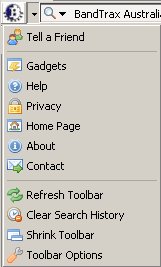
Logo menu with handy additional links and customisers.
Search Box with Categories is one of the most engaging parts of the BandTrax Toolbar
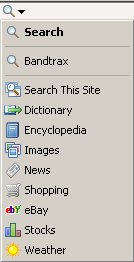
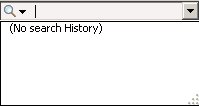
Search History
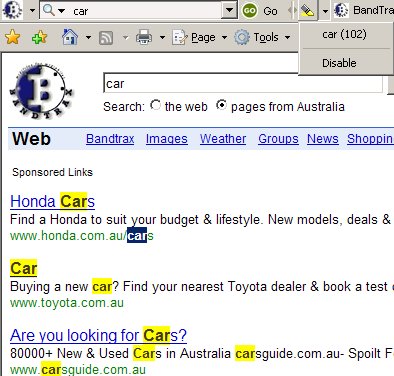
Search Word Highlighter
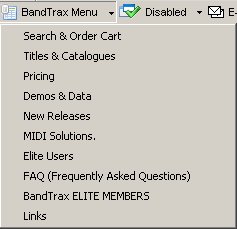
Direct to BandTrax Drop Down Toolbar Menu
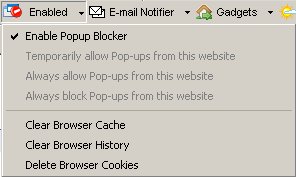
Pop-Up Filter gives you safety and protection.
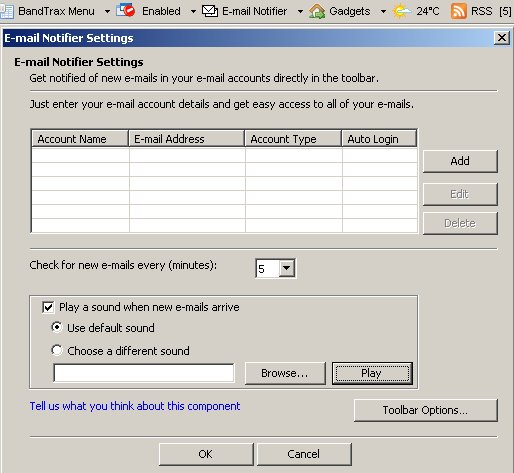
The E-mail Notifier automatically informs you when a new message has arrived to any of your webmail or POP3 accounts from within your browser.
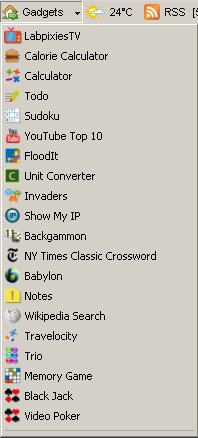
Gadgets, Games, Helpers
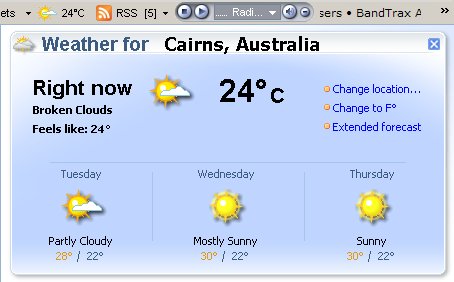
Your Local Weather Details. The component automatically configures itself to your location, according to your computer's IP.
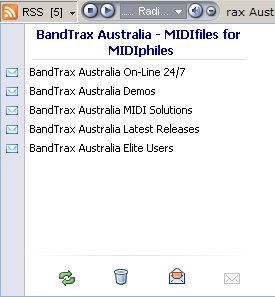
RSS Reader
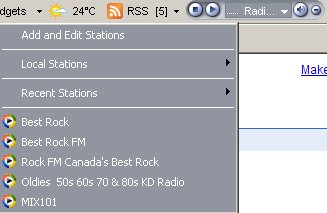
Radio Player gives you instant access to an endless variety of online radio stations and podcasts.


BandTrax Australia is committed to maintaining the following privacy practices:
 
  1. No Spyware Policy – the toolbar does not collect or transmits Identifiable information and does not monitor personal toolbar usage.
The toolbar sends unidentifiable and non-personal statistical data to enable quality assurance and improve support processes. Such non-personal data includes unidentifiable usage of toolbar components and queries. You can opt not to send such statistical data at any time from your toolbar Options dialog box.
 
  2. No Adware Policy : exposure to unwanted advertisements is not required in order to use the toolbar. The toolbar does not launch pop-up or pop-under advertisement windows or any other type of obtrusive ads.
 
  3. Unobtrusive: The toolbar does not enable other applications to access data stored on your computer's hard drive or in your online accounts. The toolbar does not modify pages you visit or modify your search experience. You may voluntarily opt to receive Publisher notifications (such as Community Alerts) or use other advanced functionalities offered by BandTrax Australia.
 
  4. Easy uninstall : you can easily uninstall the toolbar at any time using the toolbar's standard uninstall package (Add/Remove Programs in Windows, Add-on Removal in Firefox, etc.).
 
  5. Easy deactivation: you can easily deactivate your toolbar at any time by clicking the "View" menu in your browser and deselecting the name of your community toolbar.
 
  6. Full control : you have full control over your toolbar and you can add/remove toolbar components at any time using your toolbar's Options dialog box.


Hit Counter